
Canva templates
Instagram Canva templates that match.
Editable feed posts, carousels and stories, designed in sets so your feed looks put together. Open them in free Canva, add your words and post.
Free Canva · Commercial licence · New every month
What's inside
Every format your feed needs
Feed posts
4:5 portrait posts that fill the new Instagram grid, ready for quotes, tips and announcements.
Carousels
Multi-slide layouts for tutorials, lists and stories that keep people swiping.
Stories
9:16 story templates for day-in-my-life posts, polls, promos and behind the scenes.
Covers & posters
Reel covers, highlight covers and class posters that match the rest of your feed.
A look at the library
Templates from the studio
A few of the templates members can edit right now. Every collection has its own set, designed to sit together on your grid.
Lifestyle & day in my life
Story and feed layouts for the everyday: routines, plans, to-do lists and behind the scenes.
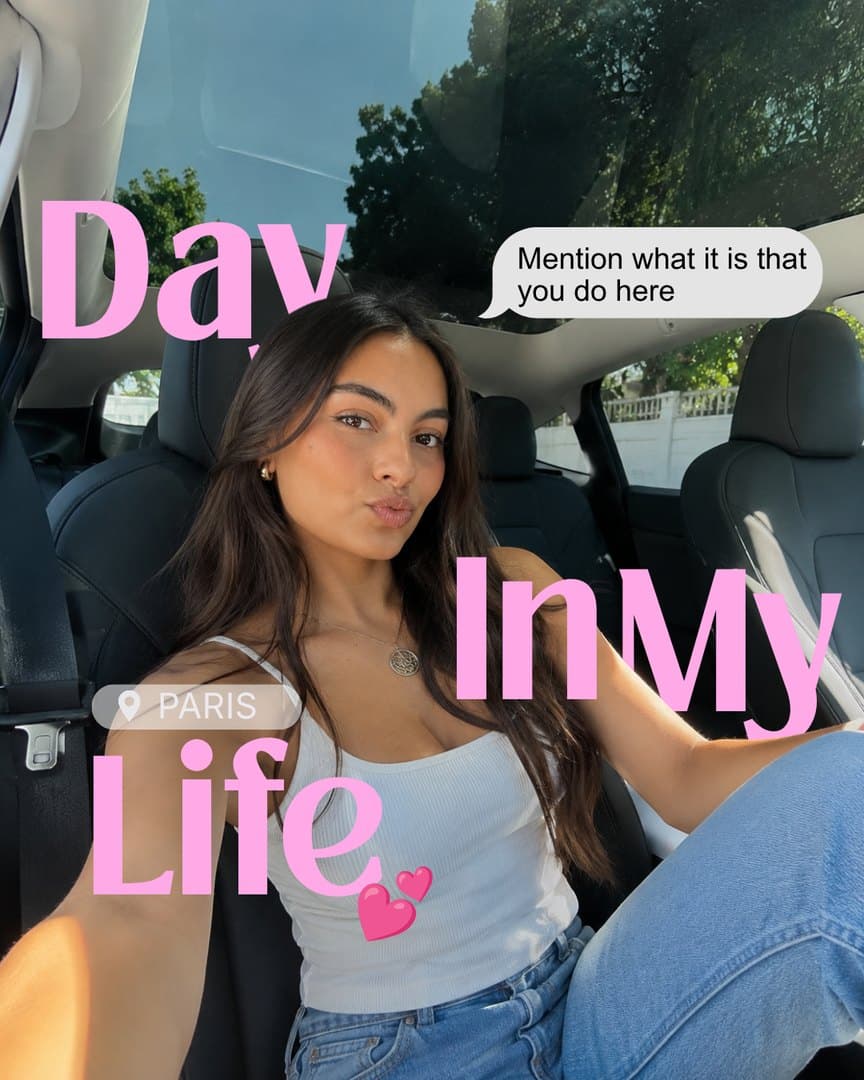 Day in my life
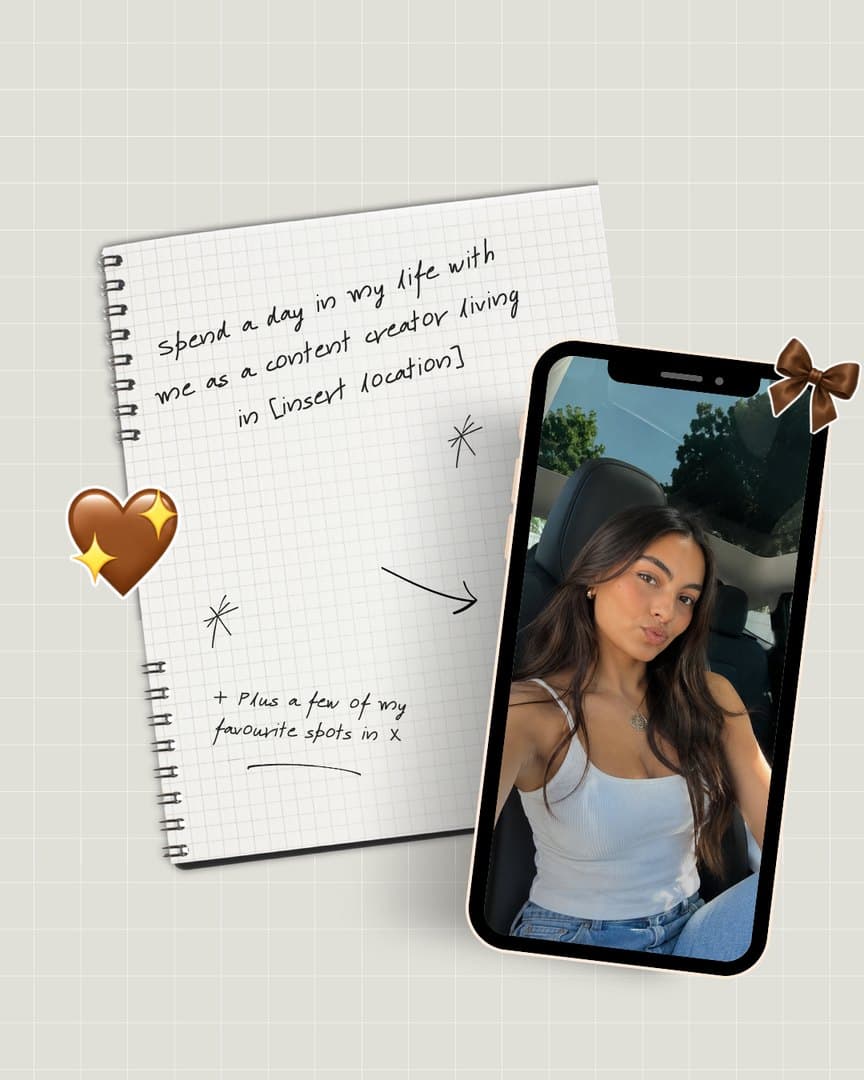 Notebook day in my life
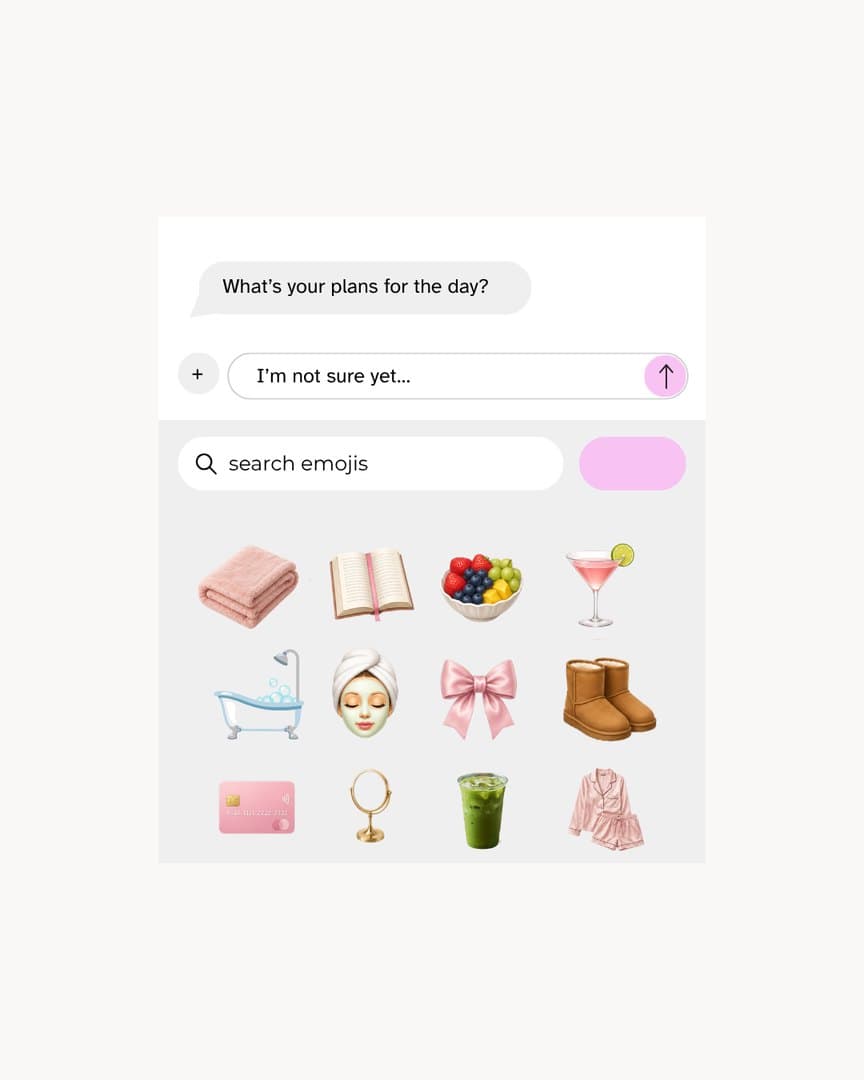 Plans for the day
 What to do today
Wellness & food
Clean, calm layouts for recipes, healthy swaps, shopping lists and wellness tips.
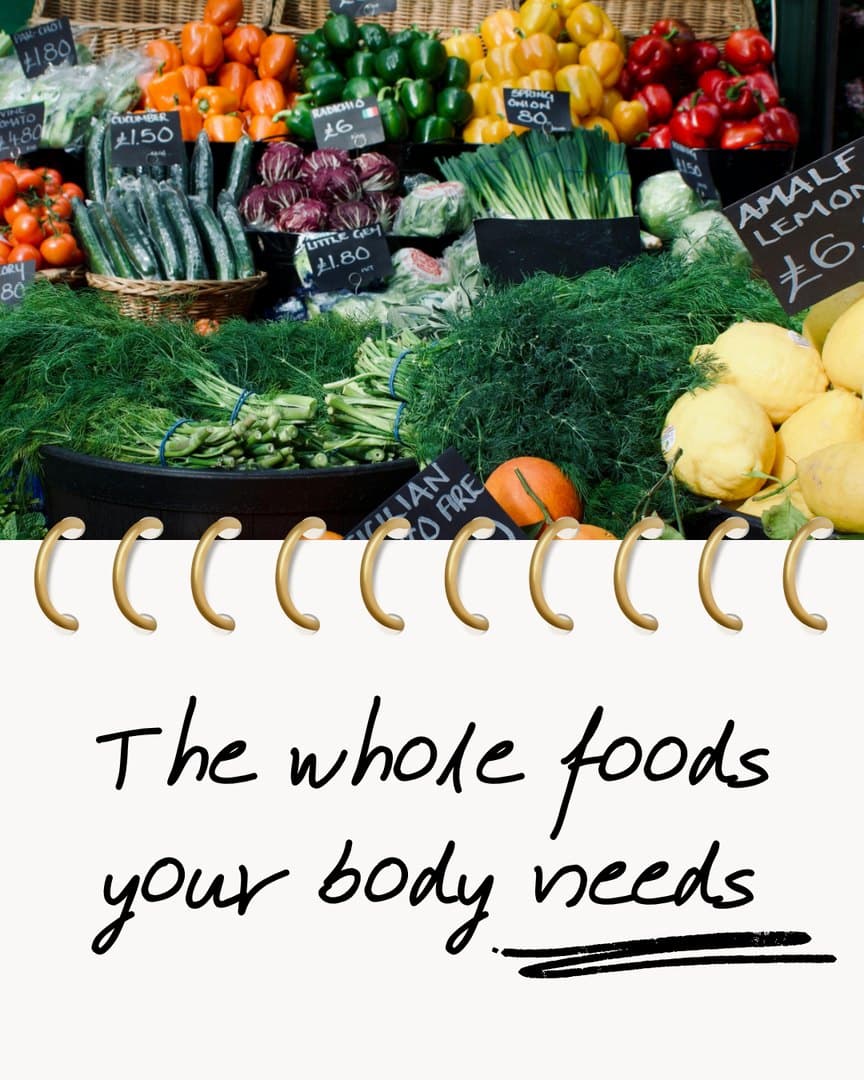 Whole foods
 Glowing skin foods
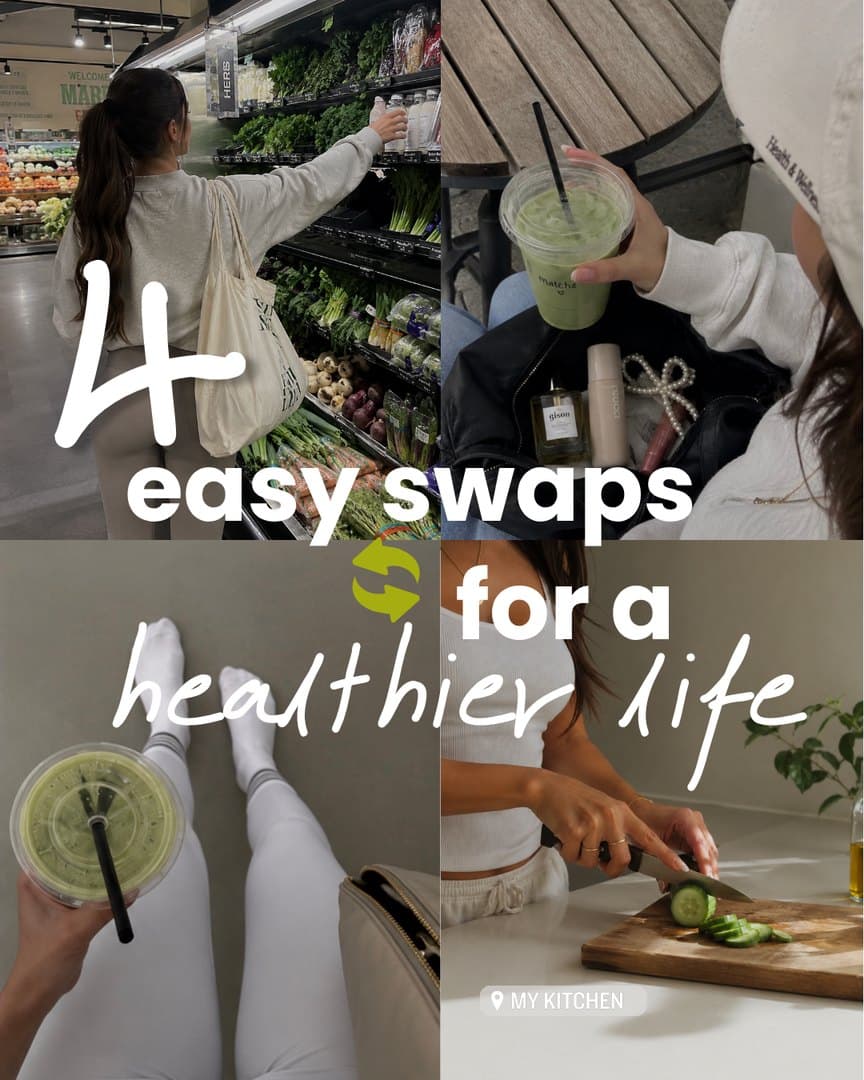 Healthy swaps
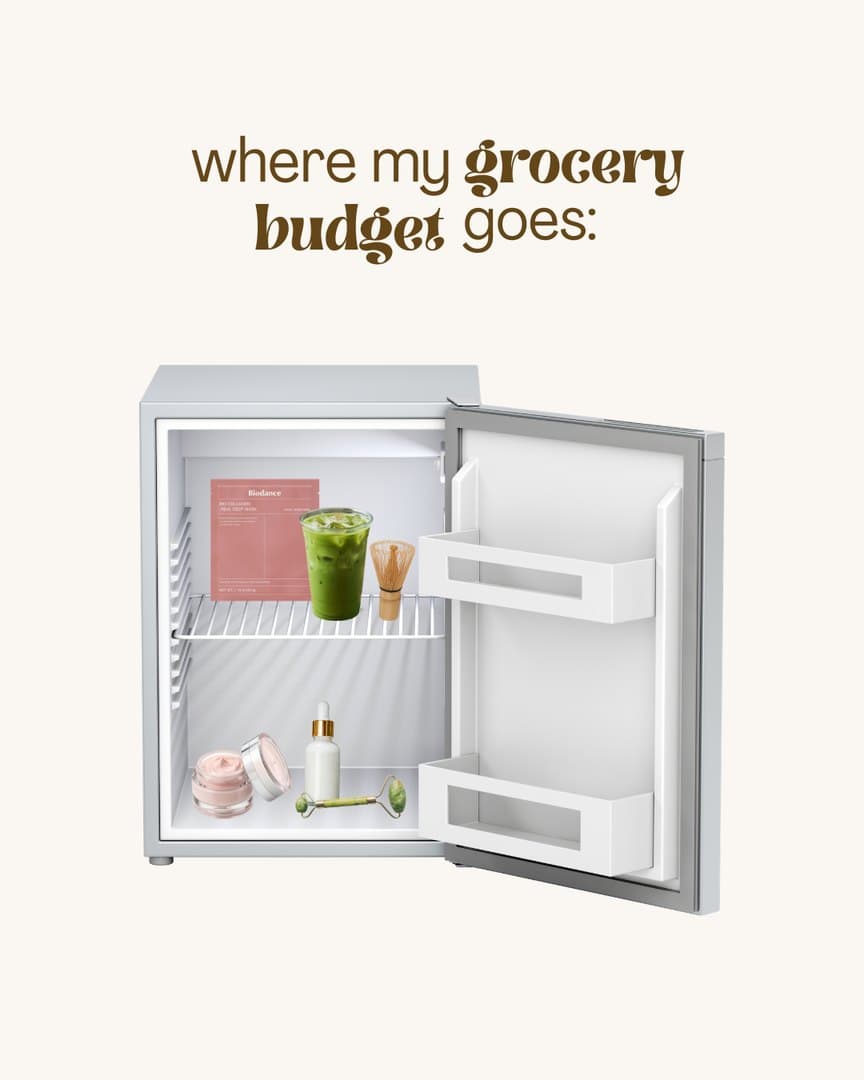 Grocery budget
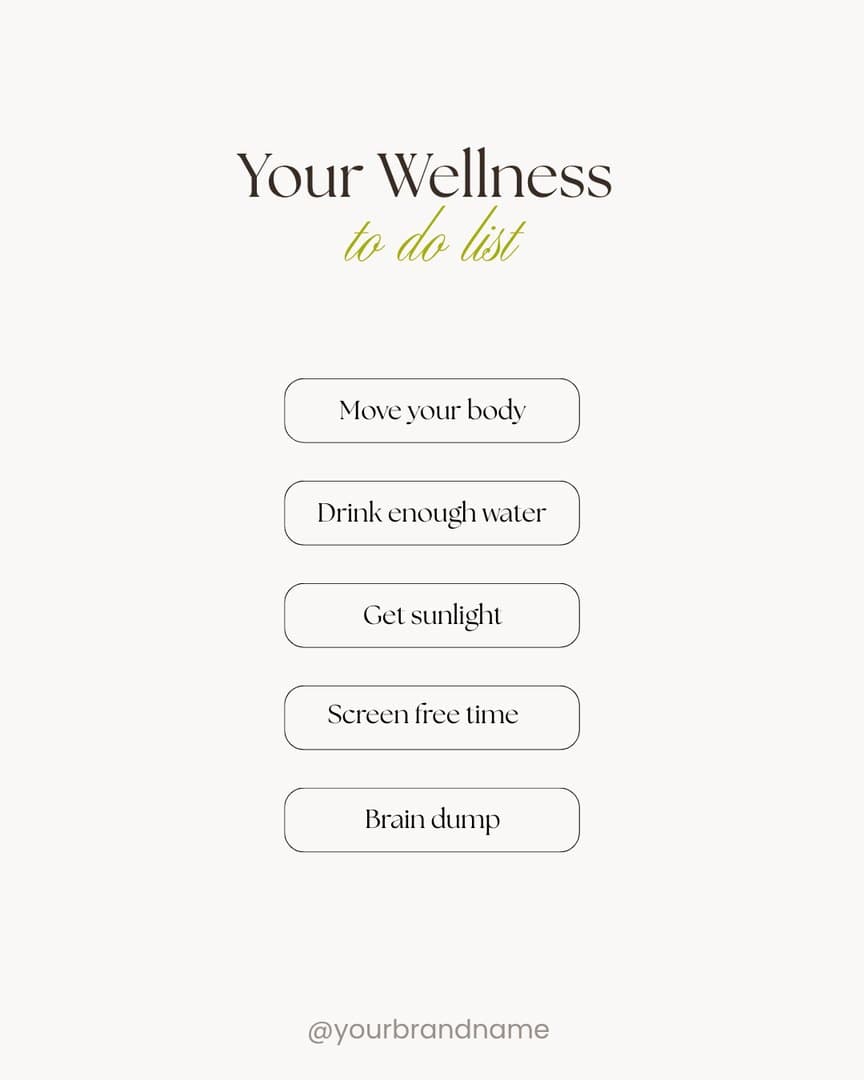 Wellness to-do list
Quotes, community & business
Bold quote posts, announcements and class posters for studios, coaches and small brands.
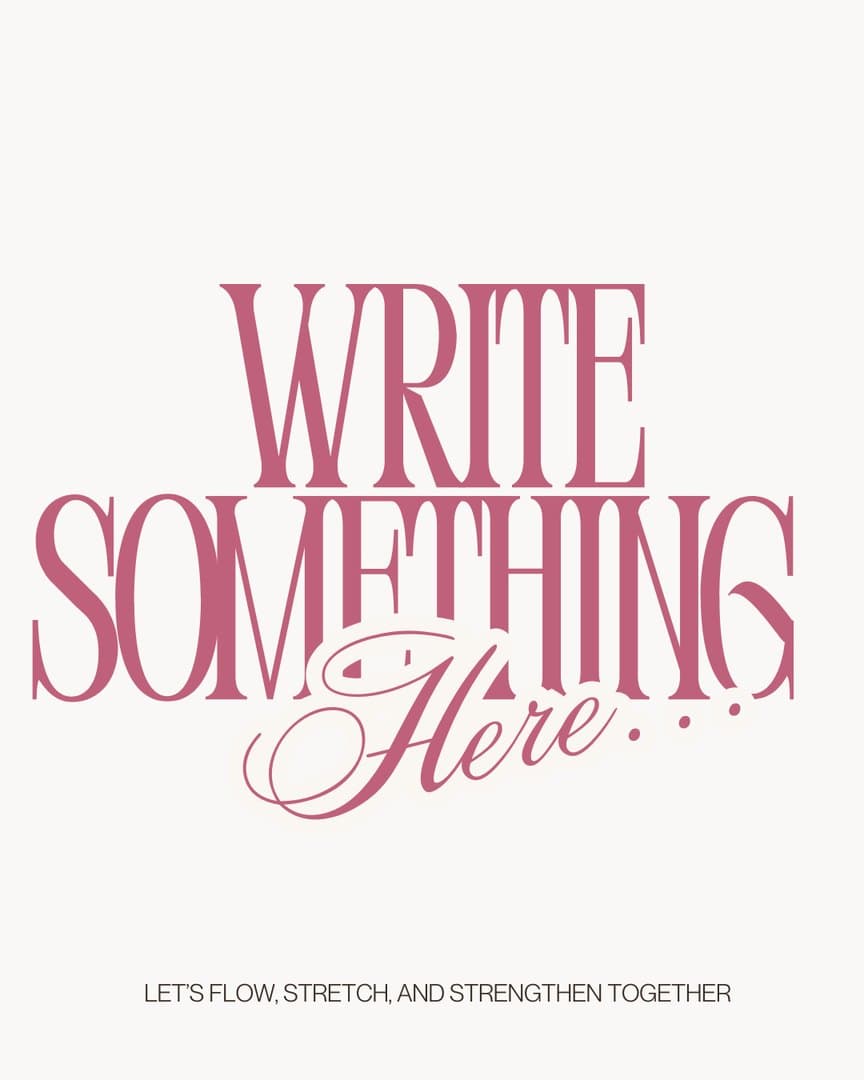 Write something here
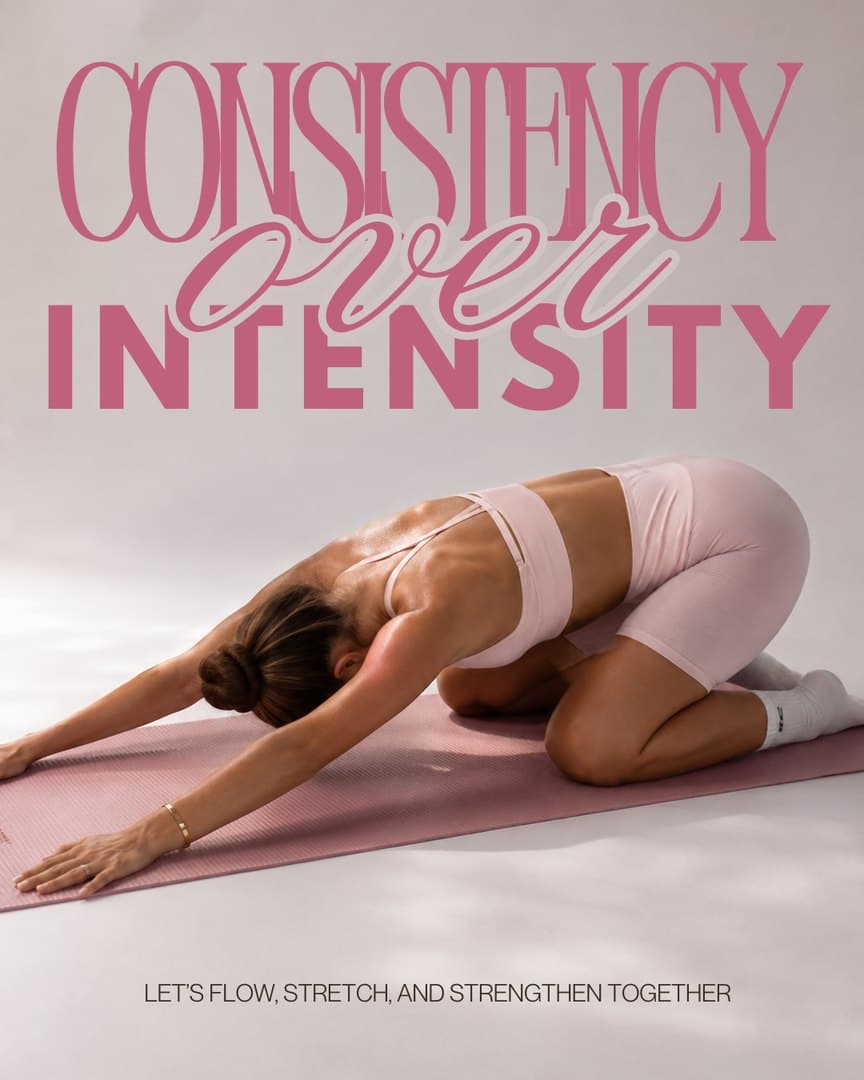 Consistency over intensity
 Join our community
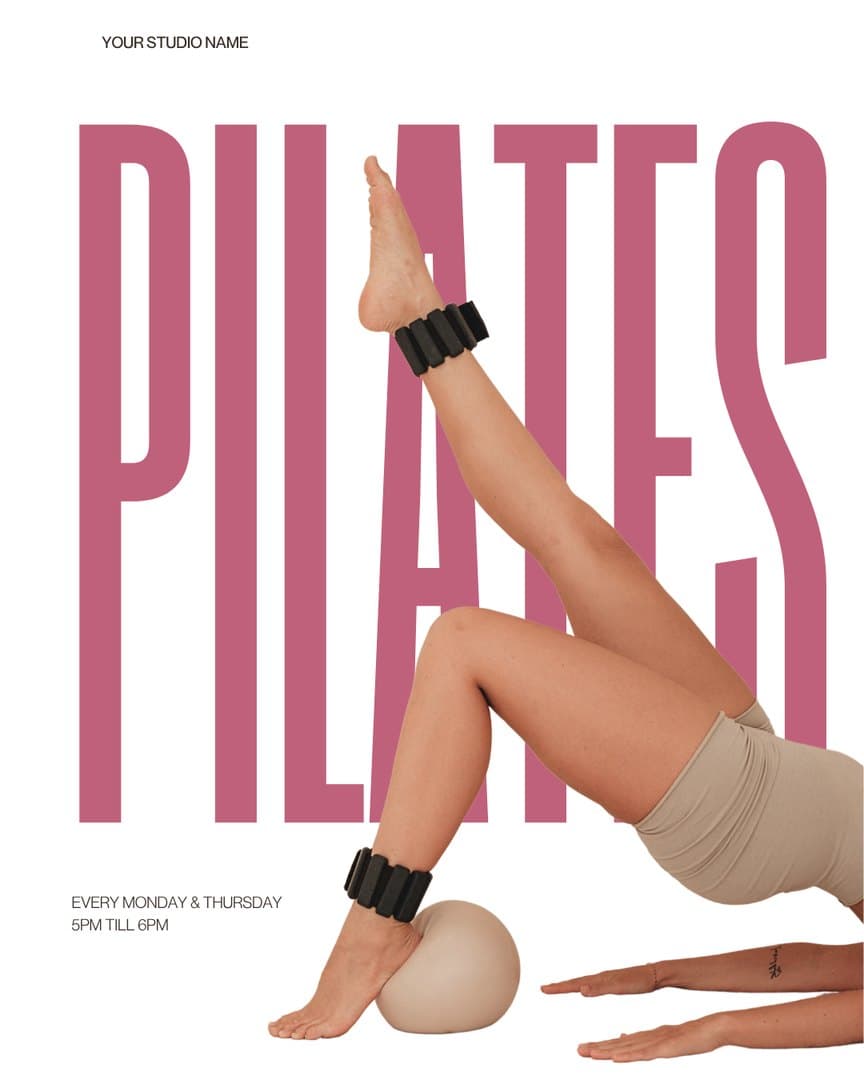 Pilates class poster
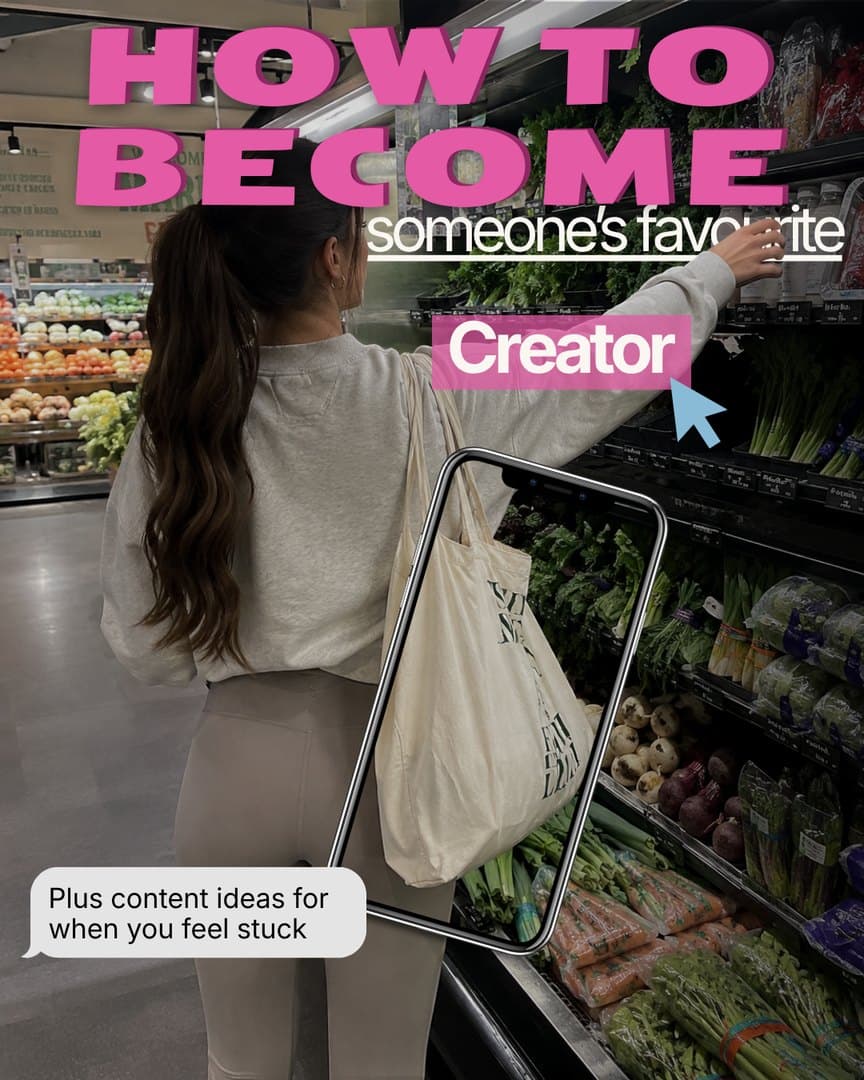 Favourite creator
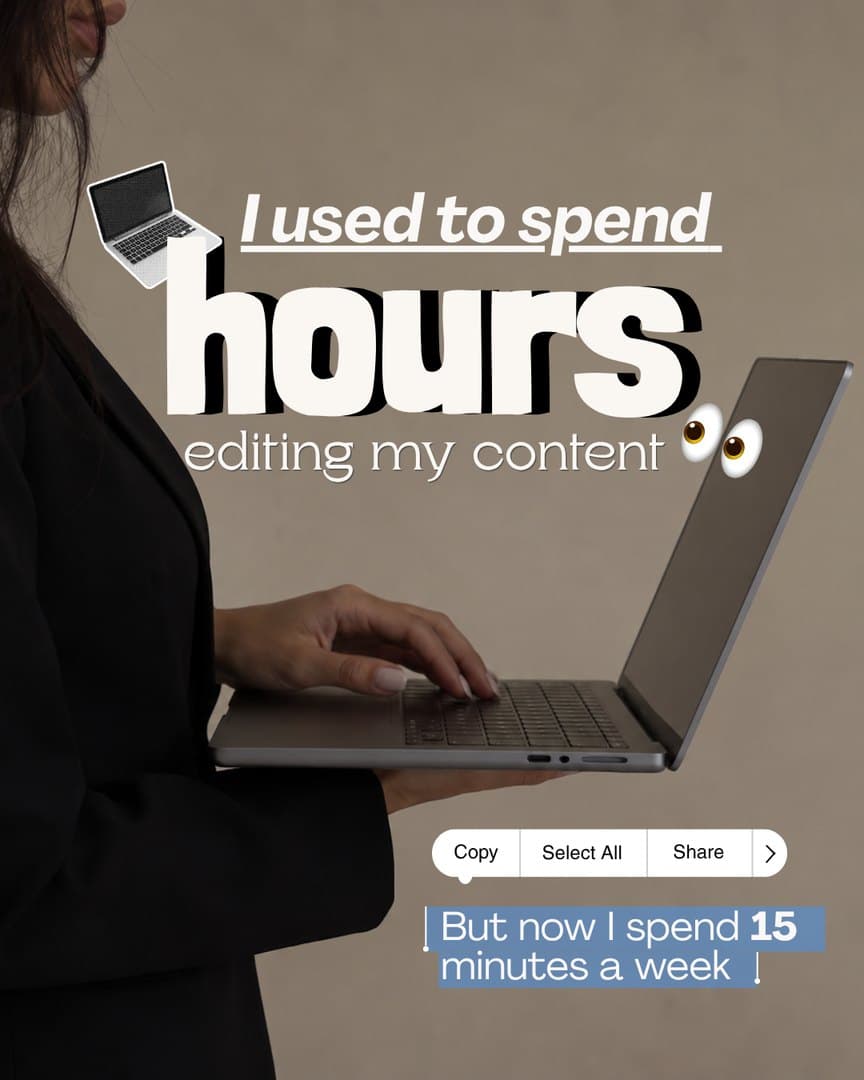 Hours editing
How to use them
Edit in free Canva in minutes.
No design skills needed. For a feed that looks like one brand, pick a colour palette and a font pairing and use them on every template.
Open it in Canva
Tap Open in Canva on any template. Canva makes you your own copy; you don't need Canva Pro.
Make it yours
Swap in your words, brand colours, fonts and photos. Everything is unlocked and editable.
Download and post
Export as a PNG or MP4 and post it, or schedule it straight from Canva.

Questions
Canva template questions
Do I need Canva Pro to use the templates?
No. Every template is designed to work in free Canva. If you already have Canva Pro, they work there too.
Can I change the colours and fonts to match my brand?
Yes. Every element is editable: text, colours, fonts, photos and layout. Many members swap in their brand colours once and reuse the design all month.
How many templates do I get?
Members get the whole template library, with new templates added in every monthly drop.
Can I use the templates for my clients?
Yes. Every plan includes a commercial licence for your own brand and for paying clients. You just can't resell or share the editable templates themselves.
What sizes are the templates?
Feed posts are 1080 × 1350 (4:5) and stories and Reel covers are 1080 × 1920 (9:16), the sizes Instagram recommends. Our Instagram size guide has every size if you need another.
Your next post, already designed.
Every template, clip and sticker pack, with a fresh drop every month.
Join the Studio